 United States
Why Is My Vape Blinking? 7 Common Reasons and What to Do
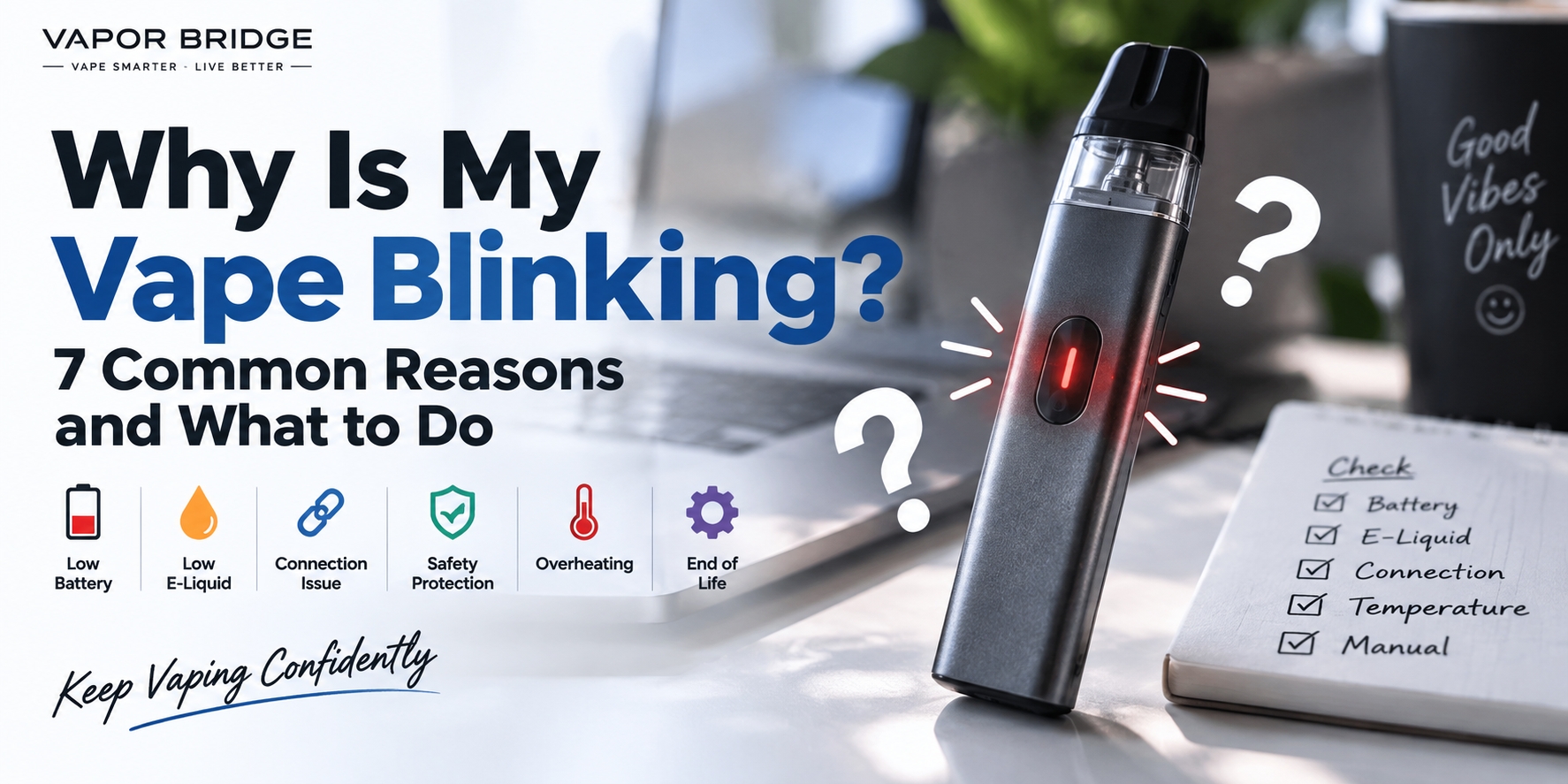
You pick up your vape, try to use it, and instead of working normally, the light starts blinking.
So, why is your vape blinking?
A blinking light is usually the device's way of indicating that something needs attention. Depending on the device and its manufacturer, it could point to a low battery, a pod connection problem, a safety cutoff, overheating, or another operating condition.
The important thing is that vape blinking codes are not universal. Three flashes on one device may mean something completely different on another.
Before assuming your device is broken, here are seven common reasons a vape may blink and what you can check.
1. The Battery Is Low
A low battery is one of the most common reasons a vape may start blinking.
Many rechargeable disposable vapes and pod systems use a flashing LED to indicate that the battery does not have enough remaining power to operate normally.
What to do:
If your device is designed to be rechargeable, connect it using the charging method recommended by the manufacturer and allow it time to charge.
Some newer devices include a battery percentage or battery-level indicator, which makes this easier to identify.
If your device is not designed to be recharged, do not attempt to open, modify, or recharge it.
If charging does not resolve the blinking, continue with the checks below.
2. The E-Liquid May Be Running Low
If the battery isn't the problem, check whether the device may be reaching the end of its usable e-liquid supply.
Some devices include an e-liquid indicator or screen. On other devices, you may notice changes in performance as the liquid becomes depleted.
Possible signs include:
- noticeably weaker vapor
- reduced flavor
- inconsistent performance
- a dry or burnt taste
- little or no vapor production
Keep in mind that electronic e-liquid indicators are estimates and may not always represent the exact amount remaining.
If a disposable device has reached the end of its usable e-liquid supply, it should generally be replaced rather than opened or refilled unless the manufacturer specifically designed it to be refillable.
3. You've Reached the Puff Time Limit
Does your vape blink only after a particularly long draw?
The blinking may simply indicate that the device's automatic cutoff has been activated.
Many vaping devices include a maximum puff duration as a built-in safety feature. When a draw exceeds that limit, the device automatically interrupts power and may flash its LED.
In this situation, the blinking does not necessarily indicate a malfunction.
Allow the device to return to normal operation and avoid unusually long draws.
4. There's a Pod, Coil, or Connection Issue
If you're using a pod system or another device with removable components, blinking may indicate that the device isn't detecting the pod or coil correctly.
Possible causes include:
- the pod isn't fully inserted
- the pod or coil isn't making proper contact
- condensation or e-liquid is interfering with the contacts
- dirt or debris is present around the connection
- the pod or coil is damaged
- an incompatible pod or coil has been installed
If the manufacturer allows the pod to be removed, take it out and check that it is installed correctly.
Inspect the contact area for visible moisture or debris and clean it only according to the manufacturer's instructions.
Compatibility matters as well. Pods and coils that look similar are not necessarily interchangeable, even when they are made by the same brand.
5. A Safety Protection Has Been Activated
Modern vaping devices commonly include electronic protections designed to interrupt operation when the device detects certain abnormal conditions.
Depending on the model, blinking may be associated with conditions such as:
- short-circuit protection
- low-resistance protection
- overheating protection
- maximum puff-duration protection
- low-voltage protection
- battery-related abnormalities
This is why you shouldn't automatically assume that every flashing light means the battery needs charging.
The exact meaning depends on the device.
If the blinking continues after basic troubleshooting, check the manufacturer's manual or official support information for your specific model.
6. The Device Is Too Hot
If you've been using the device repeatedly within a short period, it may become warm.
Some devices will temporarily stop operating if their internal temperature rises beyond the manufacturer's normal operating range. A blinking light may accompany this protection.
If your device feels unusually hot, stop using it and allow it to cool naturally in a safe place away from direct sunlight and other heat sources.
Do not place a hot device in a freezer, immerse it in water, or attempt to cool it rapidly.
Stop using the device if you notice signs such as:
- excessive heat
- swelling
- leaking
- an unusual smell
- visible physical damage
- abnormal battery behavior
A damaged or swollen battery-powered device should not continue to be used.
7. The Device May Have Reached the End of Its Usable Life
Disposable vapes and other vaping devices do not operate indefinitely.
Even a rechargeable disposable device can eventually reach a point where its e-liquid, coil, battery, or another internal component can no longer provide normal performance.
If the device has been used extensively, continues blinking after charging, and no longer produces vapor normally, it may have reached the end of its usable life.
Avoid opening a disposable device in an attempt to repair an internal battery or electrical component.
Why Does My Vape Blink 3 Times?
This is one of the most common questions about blinking vape lights, but there is no universal meaning for three flashes.
On different devices, three flashes could indicate entirely different conditions.
The same applies to other common questions such as:
- Why does my vape blink 5 times?
- Why does my vape blink 10 times?
- Why is my vape blinking red?
- Why is my vape blinking blue?
- Why is my vape blinking while charging?
The number, speed, pattern, and color of the flashes are determined by the manufacturer.
For an exact answer, identify the brand and model of your device and check its user manual or the manufacturer's official troubleshooting information.
Why Is My Vape Blinking but Not Hitting?
If your vape is blinking but not producing vapor, start with the simplest possibilities.
First, check whether the battery needs to be charged.
If you're using a pod system, make sure the pod is properly installed and compatible with the device. A poor connection between the pod, coil, and device can sometimes prevent normal operation.
For disposable devices, blinking without vapor production may indicate that the battery or e-liquid has been depleted or that a protection feature has been activated.
If manufacturer-approved troubleshooting does not solve the problem, do not continue using a device that appears damaged or behaves abnormally.
Why Is My Vape Blinking While Charging?
A blinking light during charging does not always indicate a problem.
Some devices intentionally use their LED to show charging status. The light may blink, remain illuminated, change color, or turn off when charging is complete.
Because charging indicators vary between models, check the instructions for your specific device before interpreting the light.
If the device becomes excessively hot, swells, smells unusual, or shows other signs of damage while charging, disconnect it if this can be done safely and stop using it.
Quick Troubleshooting Checklist
If your vape suddenly starts blinking, work through these basic checks:
- Battery: Does the device need to be charged?
- E-liquid: Is the device empty or nearly empty?
- Pod or coil: Is it installed correctly and compatible?
- Connections: Are the contact points clean and dry?
- Puff duration: Does the blinking happen only after a long draw?
- Temperature: Does the device feel unusually hot?
- Physical condition: Are there signs of leaking, swelling, or damage?
- Manual: What does the manufacturer say the specific blinking pattern means?
Avoid opening, modifying, or attempting internal battery repairs on a disposable device.
How to Find the Exact Meaning of Your Vape's Blinking Light
If none of the basic checks provides an answer, identify the exact brand and model of your device.
Then look for its official user manual or troubleshooting documentation.
Pay attention to:
- number of flashes
- LED color
- whether the light flashes during use or charging
- whether the device still produces vapor
- whether the device has an error message or display
These details can help distinguish a normal status indicator from a warning or protection code.
Final Thoughts
A blinking vape doesn't automatically mean the device is broken.
In many cases, the light is communicating a battery condition, connection issue, automatic cutoff, temperature protection, or another device status.
The most important thing to remember is that blinking codes vary by manufacturer and model. A certain number of flashes or a particular LED color should not be interpreted without checking the instructions for the exact device.
Start with basic troubleshooting, follow the manufacturer's instructions, and stop using the device if you notice excessive heat, swelling, leaking, physical damage, or other abnormal behavior.